Custom Process / 06 Steps
How Custom Football
How Custom Football
Shin Guards
Work
Creating personalized football shin guards for soccer players follows a clear process: choose the product, upload design content, add a name or number, review the preview, approve, then move to production and shipping.
Carbon Fiber or PP PlasticDesign preview before productionOrder from one pair — minimum value applies
From idea to finished pair
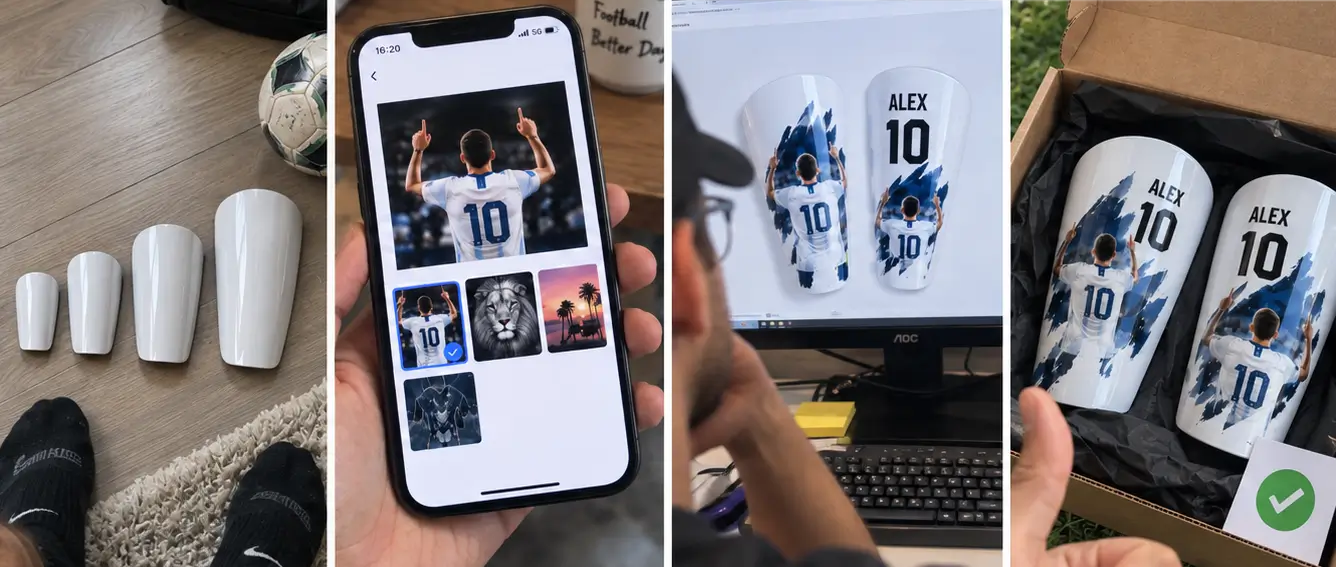
- Choose material & size
- Upload photo or artwork
- Add name, number or text
- Review preview / proof
- Approve & produce
- Shipping & tracking
Short Answer
The custom shin guard process has six main stages: choose carbon fiber or PP plastic and a size, upload your photo or artwork, add a name, number, or text, review the design preview, complete the required approval step, and then move to production and delivery. Orders can start from one pair, subject to the applicable minimum order value.
01Product Choice
Start with the base
Choose Your Material
Start by choosing the product you want to customize. SAIWEI SPORTS currently offers two material routes. Both support photos, names, jersey numbers, text, artwork, and different images on the left and right guards.
The two materials use different product dimensions, so choose the material first and then review the relevant size.
View the shin guard size guide02Source File
Your image comes next
Upload Your Photo or Artwork
Provide the image or artwork that should appear on the guards. You can submit your own photo, artwork, an authorized logo or design, the same image for both guards, or different left and right images.
Use the clearest source file available. Small, blurry, heavily compressed, or screenshot images can reduce the usable detail for layout and production.
Read the artwork guidelines
Actual workflow assetupload-photo-custom-shin-guards.webp
03Personalization
Build the visible layout
Add Name, Number or Text
After the main image or artwork is selected, add any personalization that should be part of the layout. Enter spelling and numbers exactly as you want them shown.
The design preview is the point where the visible layout should be checked before production.
See all customization optionsPlayer NameAdd the spelling exactly as it should appear.
Jersey NumberUse the final number you want printed.
Short TextAdd a short message or supporting text.
Left / RightUse different text or imagery on each guard if needed.
Step 04 / Critical Checkpoint
Preview / Proof
A design preview is provided before production. Use it to check the visible details that matter before the product is made.
- Main photo or artwork
- Name spelling
- Jersey number
- Text content
- Image cropping
- Left / right layout
- Overall placement
- Final visual balance
If you need a change after seeing the preview, follow the change or approval options shown in the live ordering workflow. The exact number of revisions and the point at which a proof becomes final must follow the current SAIWEI SPORTS proof policy.
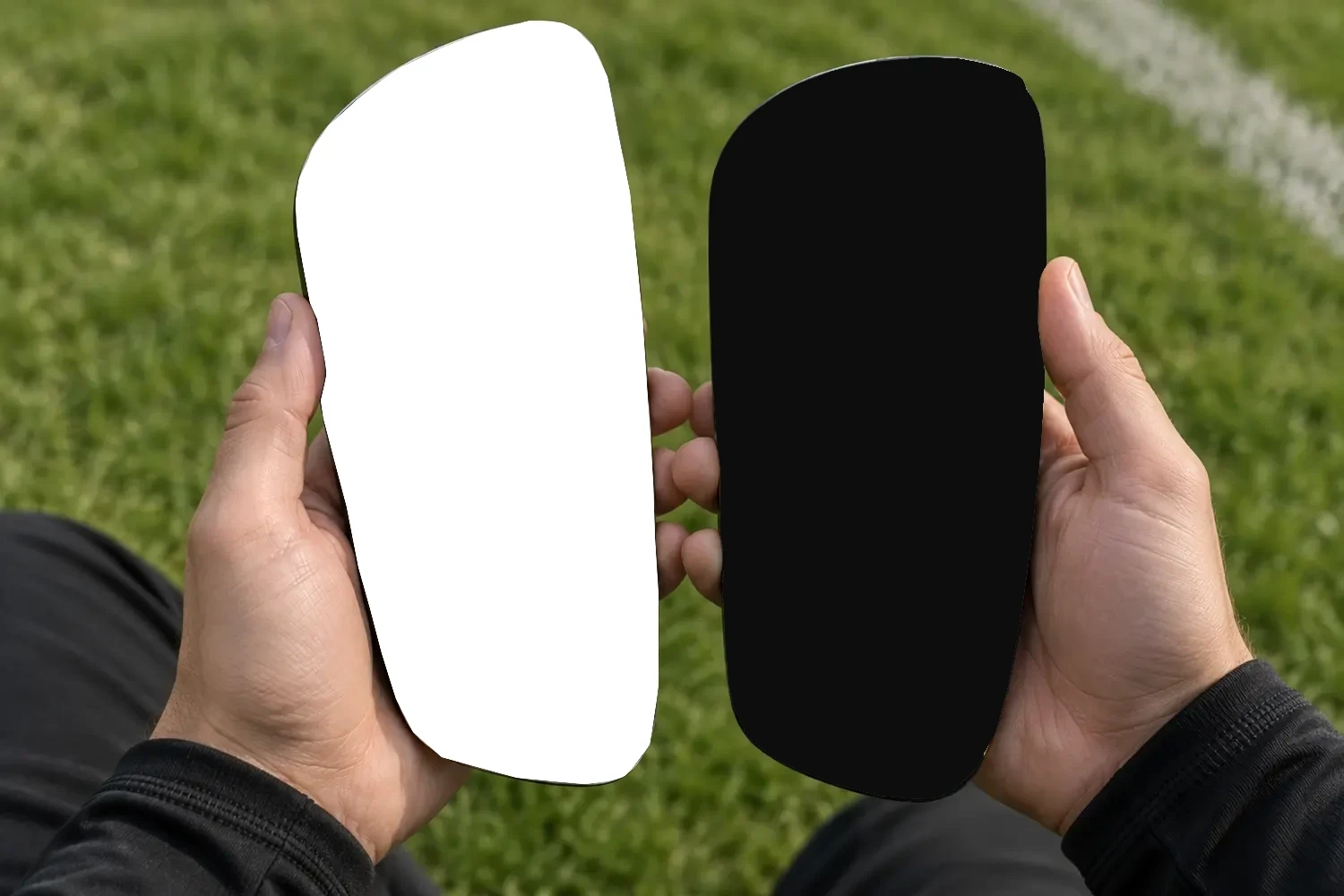
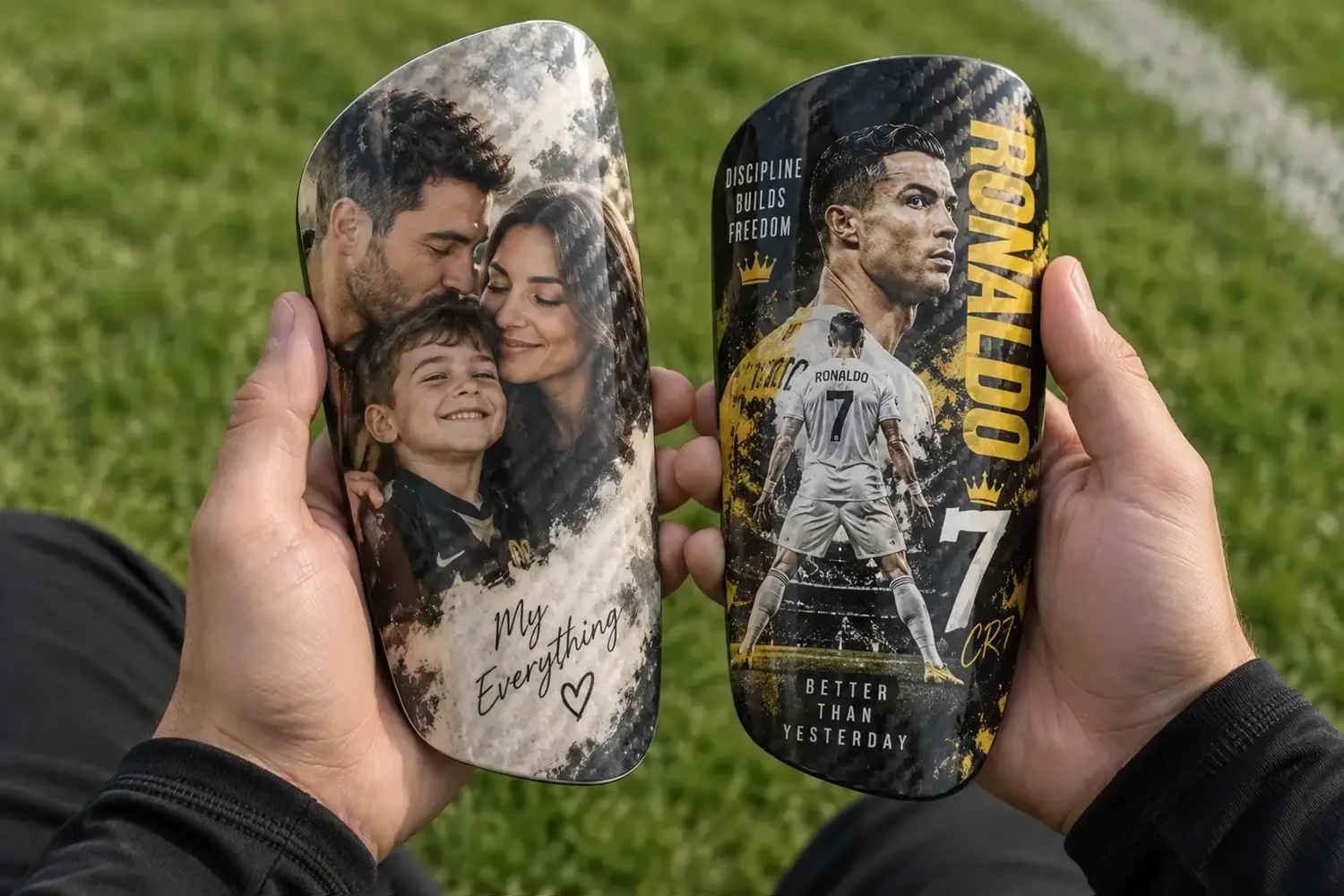 PlainCustomized
Proof policy boundaryUnlimited revisions are not promised. Use the current live workflow for change and approval rules.
Step 05 / Operations
Approve & Produce
Production begins only after the order has completed the required pre-production steps. The exact event that starts the production clock — such as final design approval, payment completion, or another order status — must match SAIWEI SPORTS’ current operating procedure.
24hProduction completion target
48hDispatch target
24hFastest dispatch may occur
ExcludedWeekends & holidays
Step 06 / Delivery
Shipping & Tracking
After production and dispatch, the delivery method depends on the shipping option selected and the destination. Express is the preferred option for custom orders.
Tracking availability and the point at which a tracking number is issued should follow the actual carrier and order workflow.
View the complete shipping policyExpressDHL / FedEx4–8 business days
EconomySea freight25–40 business days
Current free express shipping thresholds
$140United States
£111United Kingdom
A$210Australia
€125EUR orders
Carrier handling, customs, destination, weekends, and holidays can affect actual delivery. The Shipping page remains the source of truth if policy changes.
Before You StartPrepare once.
Prepare once.
Move faster.
A few details are worth checking before opening the customizer.
Start Your Custom DesignChoose the materialCarbon fiber or PP plastic.
Check the sizeReview actual product dimensions in the size guide.
Prepare your source fileUse the clearest photo or artwork available.
Confirm spellingCheck every name and text line before preview.
Confirm the numberUse the final jersey number you want shown.
Decide left / rightMatch both guards or use different images.
Process FAQ
Frequently Asked Questions
The answers below stay within the confirmed workflow. Live approval and shipping rules take precedence if operations change.
How does the custom shin guard process work?
Choose carbon fiber or PP plastic and a size, upload your photo or artwork, add any name, number, or text, review the design preview, complete the required approval step, and then move to production and shipping. The detailed approval rules and production timing follow the current live order workflow.
When do I upload my photo or artwork?
Upload the photo or artwork during the customization stage before the design preview is finalized. Use the clearest source image available and follow the current artwork requirements. If the file does not meet production requirements, the artwork workflow should explain what needs to be corrected.
Can I change my design after seeing the proof?
Changes are handled according to the current proof and approval policy. If the preview shows a spelling, number, crop, or layout issue, use the change options provided in the live workflow before final approval. This page does not promise unlimited revisions.
When does production start?
Production starts only after all required pre-production conditions have been completed. The exact trigger must match SAIWEI SPORTS’ real operating procedure. The current target is 24-hour production, excluding weekends and holidays.
Where can I see shipping times?
Use the Shipping page for the full US, UK, and Australia delivery policy. Current express delivery by DHL/FedEx is listed as 4–8 business days, while economy sea freight is listed as 25–40 business days. The Shipping page remains the source of truth if rates or transit estimates change.
Ready When You Are
Ready to Create Your Pair?
Choose your material, upload your design, add your personalization, and review the preview before production.
MOQ is 1+ and the applicable minimum order value must still be met. Production and delivery timeframes are business-day targets or estimates under the current policy.